PhoneBurner is a native Salesforce dialer that turns your existing pipeline into live conversations, without your reps ever leaving their CRM.


PhoneBurner adds a dialer panel directly into your Salesforce UI. Reps select contacts from any object they already work in: Contacts, Leads, Opportunities, Tasks, Activities, Cases, or Custom Objects. They launch a session without leaving the CRM. PhoneBurner moves through the list automatically, connecting the call the moment someone picks up. No tab switching. No separate tool to log into.


Salesforce Reports are where teams build their most targeted lists, filtered by territory, score, campaign, ownership, or any combination of fields. PhoneBurner can turn any report directly into a dial session. The filters, sort order, and record logic all carry over. You pick the report, confirm the count, and start dialing up to 500 contacts at a time, compared to the 200-record cap of a standard list view.
The work that happens after a call is where time disappears and data quality falls apart. Reps skip the logging, forget to send the follow-up, and records go stale. With PhoneBurner, the disposition is the only decision a rep has to make. The moment they mark a call, PhoneBurner handles everything that comes next and logs it to the Salesforce record in real time.
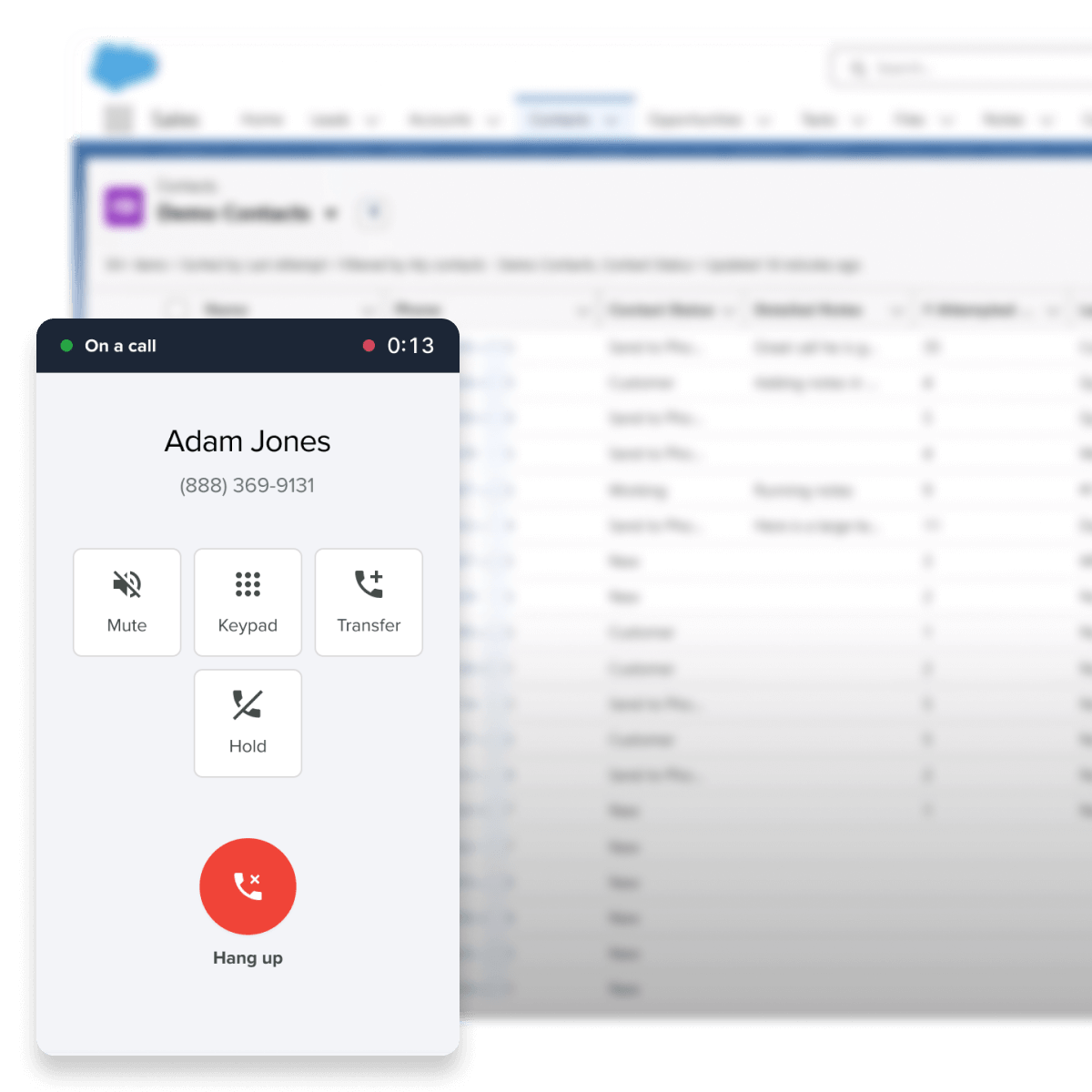

The window to reach a new lead is short, and most teams lose it not because reps are slow but because someone still has to notice the lead, decide who should call it, and get it in front of them. PhoneBurner can watch Salesforce for new records that match rules your admin defines, and push them automatically into a live call queue the moment they arrive. No exports. No Zapier. No manual steps.
Not every call starts from a session. A rep needs to call someone back quickly. A prospect from this morning rings in while a session is running. These moments break workflow when reps have to jump between tools to handle them. PhoneBurner keeps everything in one place.


Get it up and running with support from our onboarding team.
Make Salesforce calls quickly and easily. Select contacts from Contacts, Leads, Opportunities, Tasks, Activities, or a custom Object in Salesforce. Then click the PhoneBurner button to launch the dialer. Connect using any phone or through your browser with our softphone.
Yes. PhoneBurner syncs with Salesforce calling activity, notes, call outcomes, and other activity, which is then automatically logged in your CRM.
No. Unlike a Salesforce autodialer, Salesforce calls through PhoneBurner have no awkward beep, pause, or "telemarketer delay". The experience for contacts is the same as if you dialed them by hand.
To set up the Salesforce calling integration you'll need both a Salesforce and PhoneBurner account. Next, find PhoneBurner on the AppExchange and install the app. Salesforce will walk you through some permissions and settings selections to complete the install. Once installed you can immediately start dialing from within Salesforce. Our support team is available if you need to request any additional help.
Here's a quick list of what you can accomplish with our Salesforce dialer:
PhoneBurner is a power dialer software that dials contacts, leaves voicemails, sends emails based on call outcome, logs calls, and automates post-call workflows. Using our Salesforce sales dialer, reps can reach up to 80 contacts per hour, maximizing talk-time rather than task time.
None at all. Make calls from anywhere using any phone. You can also connect with your browser and a headset with our softphone—log into our cloud-based power dialer from anywhere.
We sure do. No credit card needed. Start your no-obligation free trial today, and use our Salesforce sales dialer to have more conversations, book more meetings, and close more deals.
An auto dialer software automatically calls numbers, determines whether it has reached an answering machine or a person, then leaves a message or connects the call to an agent or rep. Auto dialers are often used as a central pillar of a call center software tech stack.
This system has what's infamously known in the industry as the "telemarketer delay." After a prospect picks up the phone, but before they're connected with a recorded message or agent at a call center, there's a short and unavoidable pause as the system connects both parties.
That delay between the time a call recipient answers to the moment they're connected with an agent or recording is highly upsetting to most people. As a result, they'll hang up quickly.
Auto dialers can be effective for quickly disseminating information on a case by case basis, like school closures or political announcements. That's because they can reach a lot of people quickly, and an actual rep is only needed once a call recipient shows interest.
However, since many call recipients hang up quickly after the telemarketer delay, an auto dialer can be detrimental to your sales conversions and hurt your brand's reputation.
Power dialer software provides real-time, live conversations with real humans. There are never any pauses or delays. The rep is on the line the entire time with a power dialer and can begin speaking immediately when someone answers their call.
Aside from dialing pre-selected leads for a rep, the right power dialer software—like PhoneBurner—can also help with time-consuming tasks. For example, reps can leave voicemails and send emails or SMS with one click, log calls, and automate post-call workflows.
A power dialer is more effective because the rep is in control the entire time and can tailor messages to each specific prospect based on research, notes from previous calls, or additional context in the dial window. That means personalized pitches, stronger interactions, and higher quality calls that get results.
Predictive dialer software is a type of calling system that is automatic and dials numbers from a predetermined list. The software is able to identify when a call is answered and then route the call to an agent or rep, often in a call center, after the recipient says, "Hello." Predictive dialers are often used as central products in a call center software tech stack.
It uses algorithmic-based data to determine the likelihood of a rep being available based on the total number of reps working, calls being made, and other metrics. In this way, it predicts when a new rep will be available and routes calls to those reps the second they're free.
To that end, predictive dialers will sometimes automatically dial a number if there's no live rep available. Even if the predictive dialer's algorithm expects an agent to be available once the call is answered, that doesn't always mean a rep can get on the line in time.
That leads to the dreaded "telemarketer delay." Because a predictive dialer routes the call to an agent only after it determines someone has answered live, call recipients hear an awkward pause as they wait for an agent to come on the line. As a result, predictive dialers tend to increase skepticism and hangups, which can negatively impact results.
Further, since call connections are based on an algorithm analyzing agent availability, there's no ability for reps to take charge in their prospect research and prioritize their list. They have no say in who gets called next, and reps often don't have time to catch their breath between connections.
Last, and most important, predictive dialers can get you into trouble with the FCC, who strictly regulate the use of multi-line dialers like predictive dialers. If an organization drops more than 3% of calls, they may be in violation of the Telemarketing Sales Rule (TSR) and the Telephone Consumer Protection Act (TCPA). The FCC can impose fines for breaches in these protocols up to $43,792 per incident.
Power dialer software provides real-time, live conversations with real humans. There are never any pauses or delays. The rep is on the line the entire time with a power dialer and can begin speaking immediately when someone answers their call.
Aside from dialing pre-selected leads for a rep, the right power dialer software—like PhoneBurner—can also help with repetitive tasks. For example, reps can leave voicemails and send emails or SMS with one click, log calls, and automate post-call workflows, making it ideal for saving time.
A power dialer is more effective because the rep is in control the entire time and can tailor messages to each specific prospect based on research, notes from previous calls, or additional context in the dial window. That means well planned and personalized pitches, stronger interactions, and higher quality calls that get results.